
In today’s fast-moving world, students and professionals are always looking for smarter ways to study and stay organized. One powerful solution is Pic to Text, a simple yet transformative way to turn images into editable digital notes. Instead of rewriting long paragraphs from a book or copying text from a whiteboard, Pic to Text allows you to capture information instantly and convert it into usable content.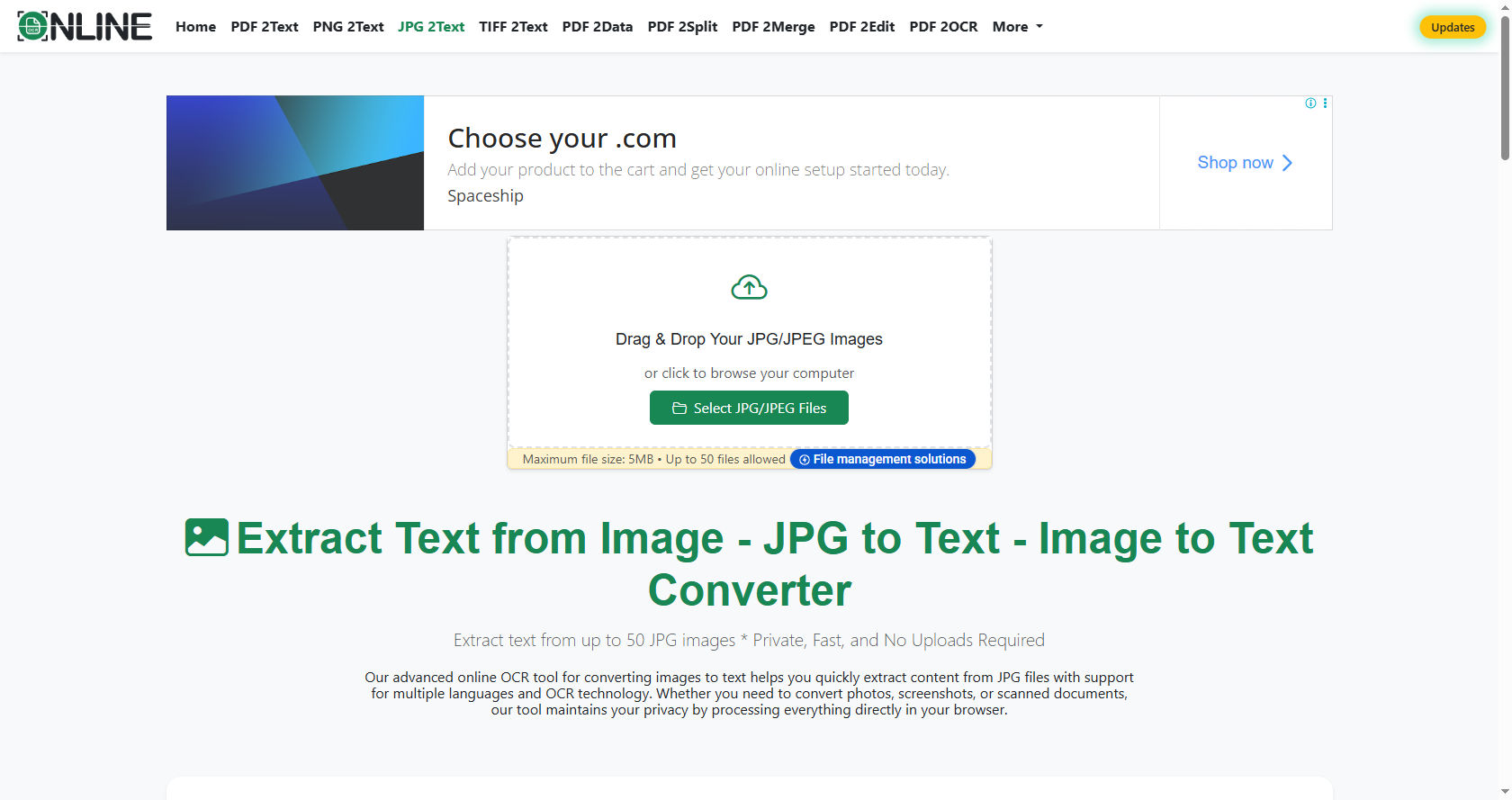
Many learners struggle with time management. Writing everything by hand can be slow and tiring. With Pic to Text, you can take a picture and transform it into digital words within seconds. This saves time, reduces stress, and improves productivity.
Digital note-taking has become essential in schools, colleges, and workplaces. Pic to Text supports this shift by making information easier to store, search, and share. Whether you are preparing for exams or organizing meeting notes, Pic to Text offers a practical solution.
This comprehensive guide will explain why Pic to Text digital notes matter, how they work, their benefits, challenges, and how you can use them effectively.
Understanding Pic to Text Technology
What Is Pic to Text?
Pic to Text is a technology that converts images containing written or printed words into editable digital text. It uses Optical Character Recognition (OCR) to recognize letters and words from a photo.
For example, if you take a picture of a textbook page, Pic to Text analyzes the image and turns the words into text you can copy, edit, or save. This eliminates the need to manually type everything.
How Does Pic to Text Work?
Pic to Text works through OCR software. The process includes:
-
Capturing an image.
-
Detecting text areas.
-
Recognizing characters.
-
Converting them into digital text.
-
Allowing editing and saving.
Modern Pic to Text tools are very accurate. They can recognize different fonts, handwriting styles, and even multiple languages.
The Evolution of Pic to Text
In the past, OCR technology was limited and often inaccurate. Today, artificial intelligence has improved Pic to Text dramatically. It can detect complex layouts, tables, and even handwritten notes.
As smartphones became more advanced, Pic to Text became widely accessible. Now, anyone with a phone can create digital notes instantly.
Why Students Prefer Pic to Text Digital Notes
Saves Time
Time is valuable for students. Instead of copying long chapters, Pic to Text captures pages in seconds. This allows students to focus on understanding rather than rewriting.
When preparing for exams, Pic to Text helps quickly convert study materials into searchable notes.
Improves Organization
Digital notes created using Pic to Text can be organized into folders. You can label them by subject, topic, or date.
Unlike paper notes, digital files do not get lost easily. Pic to Text ensures your notes stay safe and accessible.
Easy Editing
Handwritten notes cannot be easily edited. But text generated through Pic to Text can be corrected, highlighted, and formatted.
You can add bullet points, headings, or summaries. This makes studying more effective.
Better Accessibility
Students with learning difficulties benefit greatly from Pic to Text. Once text is digitized, it can be read aloud using text-to-speech tools.
This makes Pic to Text helpful for visually impaired learners or students who struggle with reading printed text.
Why Professionals Use Pic to Text
Faster Documentation
In offices, meetings often move quickly. Instead of typing everything, professionals use Pic to Text to capture whiteboards or printed documents.
This ensures accurate documentation without slowing down discussions.
Paperless Work Environment
Many companies are moving toward paperless systems. Pic to Text supports this shift by converting paper documents into digital files.
Using Pic to Text reduces physical storage needs and helps the environment.
Easy Sharing
Digital text created through Pic to Text can be shared instantly via email or cloud platforms.
This improves teamwork and communication.
Key Benefits of Pic to Text Digital Notes
1. Increased Productivity
Pic to Text reduces repetitive typing tasks. This means more time for analysis, creativity, and problem-solving.
2. Enhanced Accuracy
Manual typing can lead to errors. Advanced Pic to Text systems offer high accuracy, reducing mistakes.
3. Search Functionality
One of the biggest advantages of Pic to Text digital notes is searchability. You can quickly find keywords within your notes.
Searching through paper notebooks takes much longer.
4. Cloud Integration
Many Pic to Text tools connect to cloud storage. This means your notes are backed up automatically.
You can access them from different devices anytime.
5. Eco-Friendly Solution
Using Pic to Text reduces paper usage. Fewer notebooks and printouts mean less environmental impact.
How to Use Pic to Text Effectively
Step 1: Capture Clear Images
For best results, ensure good lighting. Hold the camera steady. A clear image improves Pic to Text accuracy.
Step 2: Review the Converted Text
Even though Pic to Text is accurate, always review the output. Correct small errors if necessary.
Step 3: Organize Your Files
Create folders for subjects or projects. Label your Pic to Text files properly for easy access.
Step 4: Backup Regularly
Store your Pic to Text notes in the cloud or external drives to prevent data loss.
Pic to Text for Different Learning Styles
Visual Learners
Visual learners benefit from capturing diagrams and charts using Pic to Text.
They can convert visual content into editable explanations.
Auditory Learners
After using Pic to Text, text can be converted to speech.
This helps auditory learners understand better.
Kinesthetic Learners
Kinesthetic learners can interact with text by editing and reorganizing it after using Pic to Text.
This active involvement enhances memory.
Comparing Traditional Notes vs Pic to Text Notes
Traditional notes require handwriting or typing. This takes time and effort.
Pic to Text offers faster conversion.
Paper notes can be damaged or lost. Digital notes created with Pic to Text are safer.
Traditional notes are harder to share. Pic to Text files can be sent instantly.
However, handwriting can improve memory retention. Some students prefer combining handwriting with Pic to Text for the best results.
Common Challenges of Pic to Text
Accuracy Issues
Sometimes, Pic to Text may misread unclear handwriting.
Good lighting and neat writing improve results.
Privacy Concerns
When using online Pic to Text tools, ensure your data is secure.
Choose trusted applications.
Overdependence on Technology
Relying only on Pic to Text may reduce handwriting practice.
Balance is important.
Best Practices for Using Pic to Text in School
Use Pic to Text for:
-
Capturing lecture slides.
-
Converting textbook pages.
-
Saving homework instructions.
-
Recording lab notes.
Avoid taking blurry images. Always double-check text generated by Pic to Text.
Pic to Text in Remote Learning
Online education has grown rapidly. Pic to Text supports remote learning by helping students capture screenshots and digital materials.
Students can convert online lecture slides into notes using Pic to Text.
This makes studying more efficient.
The Role of Pic to Text in Exam Preparation
During exam season, revision is critical. Pic to Text helps students compile important notes quickly.
Instead of rewriting summaries, students can scan key pages using Pic to Text.
They can then highlight and organize topics for revision.
Pic to Text also helps create quick flashcards from printed materials.
Using Pic to Text for Research
Research involves reading many books and articles.
Pic to Text simplifies this process by converting printed references into editable text.
Students can quote sources accurately after using Pic to Text.
This saves time during assignments and projects.
How Pic to Text Encourages Smart Studying
Smart studying means focusing on understanding rather than copying.
Pic to Text reduces manual writing tasks.
Students can use saved time for practice questions and discussions.
By organizing notes digitally, Pic to Text promotes efficient learning.
Future of Pic to Text Digital Notes
Technology continues to improve.
Future Pic to Text tools may recognize emotions in handwriting or detect complex diagrams more accurately.
Artificial intelligence will make Pic to Text even faster and more precise.
Integration with learning apps will further enhance digital note-taking.
Tips to Maximize Pic to Text Benefits
-
Keep your camera lens clean.
-
Use proper lighting.
-
Review text carefully.
-
Organize files immediately.
-
Combine Pic to Text with manual summarizing.
These habits make Pic to Text more effective.
Real-Life Examples of Pic to Text Success
A high school student preparing for board exams uses Pic to Text to capture important textbook sections.
A college student scans library books using Pic to Text for research notes.
An office worker documents meeting whiteboards with Pic to Text to avoid missing details.
In each case, Pic to Text improves efficiency.
Integrating Pic to Text with Other Tools
Pic to Text works well with:
-
Note-taking apps.
-
Cloud storage.
-
Text-to-speech tools.
-
Translation software.
For example, after using Pic to Text, students can translate notes into another language.
This makes Pic to Text helpful for language learners.
Ethical Use of Pic to Text
While Pic to Text is powerful, it should be used responsibly.
Students should avoid copying copyrighted materials without permission.
Pic to Text should support learning, not encourage cheating.
Responsible use ensures long-term benefits.
Is Pic to Text Suitable for Everyone?
Pic to Text is useful for:
-
High school students.
-
College students.
-
Teachers.
-
Researchers.
-
Office professionals.
However, those who prefer handwriting may use Pic to Text as a backup rather than a replacement.
Balance is key.
Advantages for Teachers
Teachers can use Pic to Text to digitize handwritten lesson plans.
They can share materials quickly with students.
Pic to Text also helps grade assignments by converting written responses into digital text for easier review.
Security Tips for Pic to Text Users
-
Use trusted applications.
-
Avoid uploading sensitive data to unknown platforms.
-
Enable cloud security settings.
-
Regularly update software.
Safe practices ensure secure Pic to Text usage.
Building a Study System with Pic to Text
Start by capturing classroom notes using Pic to Text.
Organize them weekly.
Summarize key points.
Review regularly.
This system improves retention and reduces exam stress.
Conclusion
Pic to Text digital notes represent a major step forward in learning and productivity. By converting images into editable text, Pic to Text saves time, increases organization, and supports different learning styles. It allows students and professionals to work smarter instead of harder.
From classrooms to offices, Pic to Text enhances efficiency. It reduces paper usage, improves accessibility, and simplifies sharing. While challenges like accuracy and privacy exist, careful use minimizes these issues.
The future of Pic to Text is promising. As technology advances, it will become even more accurate and integrated with other digital tools. Students preparing for exams, researchers handling large volumes of information, and professionals managing busy schedules can all benefit from Pic to Text.
However, balance is important. Pic to Text should complement learning, not replace understanding. Combining digital tools with active thinking ensures success.
In a world where time and information matter more than ever, Pic to Text digital notes provide a practical, modern solution. By adopting Pic to Text wisely, learners can improve organization, boost productivity, and achieve better academic and professional outcomes.