
Online gaming has become a major form of entertainment, but the growing popularity of games has also created opportunities for scammers. Fake websites, modified applications, phishing pages, and misleading download buttons can make it difficult to know which links are trustworthy. Whether you are searching for a new mobile game or looking for a specific title such as T999 Game Download, learning how to identify suspicious links can protect your device, personal information, and money.
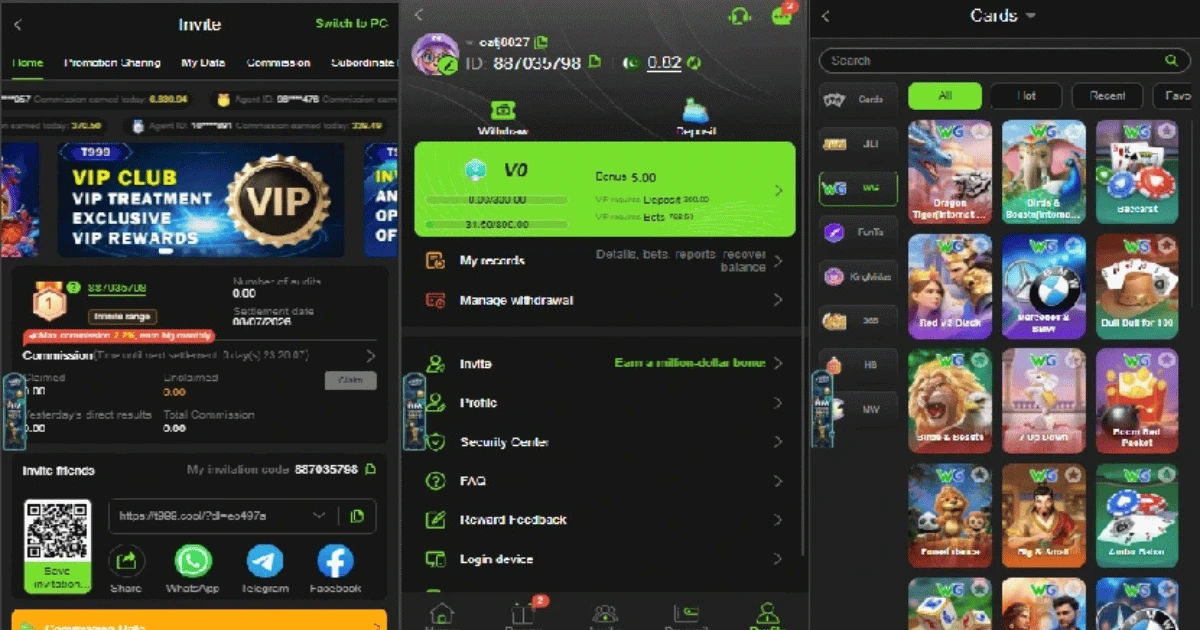
A fake game link may look almost identical to a legitimate website. Scammers often copy logos, colors, screenshots, and even the wording used by real game developers. The goal is usually to convince visitors to download harmful software, enter login information, provide payment details, or visit another suspicious website.
Fortunately, you do not need advanced technical knowledge to recognize many dangerous links. By checking the website address, source, security warnings, download behavior, and other important details, you can greatly reduce your risk.
Why Fake Online Game Links Are Dangerous
Fake game links can create several types of problems. The most obvious risk is malware. A file advertised as a game may actually contain spyware, ransomware, a remote-access program, or another unwanted application.
Some fake websites are designed to steal account credentials. They may display a login page that looks like the real gaming platform. When you enter your username and password, the information can be sent directly to a scammer.
Financial information is another major target. A suspicious website may ask for card numbers, banking information, cryptocurrency payments, or other sensitive details before allowing a supposed game download.
There is also a privacy risk. Unofficial applications may request access to contacts, photos, messages, location data, microphones, or other device features that have nothing to do with normal gameplay.
For these reasons, finding a T999 Game Download link through a random advertisement or unknown website should never be treated as automatically safe.
Check the Website Address Carefully
One of the easiest ways to identify a fake game link is to examine the URL.
Scammers frequently create addresses that resemble legitimate domains. They may replace a letter, add an extra word, use unusual characters, or select a domain extension that looks convincing at first glance.
For example, a fake website might use a name that is almost identical to the developer's official website. A visitor who looks only at the first part of the address may not notice the difference.
Before downloading a game, carefully read the entire domain name. Look for spelling mistakes, strange combinations of letters, unnecessary numbers, and unexpected subdomains.
A secure connection indicated by HTTPS is useful, but it does not automatically prove that a website is legitimate. Scam websites can also use HTTPS certificates. Therefore, treat HTTPS as one security signal rather than complete proof of authenticity.
Verify the Official Game Developer
One of the safest approaches is to identify who actually publishes or develops the game.
Search for the game's official website independently rather than clicking the first advertisement you see. A reputable developer normally provides information about its products, support channels, privacy practices, and official download options.
If you are searching for T999 Game Download, compare the website offering the download with information from the game's legitimate publisher or official distribution platform.
Pay attention to consistency. The developer's name, logo, contact information, game description, screenshots, and download instructions should make sense together.
If a website claims to represent a well-known company but provides no verifiable information about that company, consider that a major warning sign.
Avoid Suspicious Pop-Ups and Redirects
A fake game website may immediately open several new tabs or redirect you through unrelated pages.
You might see messages claiming that your device is infected, your browser is outdated, or you have won a special reward. These messages are often designed to create panic or excitement so that you act without thinking.
Do not install software because a pop-up tells you that you must do so immediately.
Legitimate games generally do not require visitors to install random browser extensions, security programs, or unknown files simply to access a download page.
If clicking a T999 Game Download button repeatedly redirects you to unrelated websites, close the page and investigate the game through a trusted source instead.
Be Careful With Download Buttons
Scammers know that visitors want a simple download experience. As a result, fake websites may place several large buttons across one page.
Only one button might actually lead to the intended file, while the others could open advertisements or unwanted downloads.
Look at the destination before clicking whenever your browser allows you to preview the link. If the destination looks unrelated to the game, do not continue.
A legitimate download should also behave predictably. If clicking a game button downloads an unfamiliar file with a strange name or unexpected extension, stop the installation.
Examine the File Type
The file format can provide another useful warning signal.
Mobile games should generally be obtained through recognized app stores or official distribution methods. Desktop games may use familiar installer formats, but the exact format depends on the operating system and developer.
Be especially cautious when a supposed game download asks you to execute an unrelated file or run a script.
A file claiming to be a game but using a suspicious extension deserves additional investigation.
Never disable your antivirus or operating system security controls simply because a website tells you that the security software is blocking the game. Security warnings should be investigated rather than ignored.
Check App Store Information
For mobile gaming, official app stores provide an additional layer of protection.
Before installing an application, check the developer name, download count, reviews, update history, description, permissions, and other available information.
Do not rely exclusively on ratings. Fake applications can sometimes receive artificial reviews designed to make them look trustworthy.
Look at the quality of the reviews as well. A large number of generic comments posted within a short period can be suspicious.
If an app's developer does not match the expected publisher, investigate before installing it.
When looking for a T999 Game Download, checking the publisher and official distribution source is more useful than trusting a random promotional page.
Watch for Unrealistic Promises
Scammers often use attractive promises to encourage quick downloads.
Examples include claims of unlimited rewards, guaranteed winnings, exclusive bonuses, free premium features, instant upgrades, or special access available only through a particular link.
These claims are particularly risky when they are combined with pressure.
A message saying "download now or lose your reward" is designed to prevent careful thinking.
Take time to verify promotional claims through official sources. If an offer appears too generous or unusual, treat it cautiously.
Look for Poor Website Quality
Poor website quality does not automatically prove that a site is fraudulent, but several quality problems together can be warning signs.
Watch for:
-
Numerous spelling and grammar errors
-
Broken images or buttons
-
Missing company information
-
Fake-looking reviews
-
Repeated pop-ups
-
Excessive advertisements
-
Unrelated download links
-
Suspicious contact information
-
Pages that constantly redirect
-
Promises that seem unrealistic
Professional developers generally have consistent branding and clear information about their products.
A website offering a T999 Game Download should be evaluated using the same standards as any other gaming website.
Use Browser Security Warnings
Modern browsers can warn users when they encounter websites associated with phishing, malware, or other dangerous behavior.
Never ignore these warnings simply because you want to download a particular game.
If your browser says that a page may be dangerous, leave the website and investigate the game's official source.
Security warnings are not always perfect, but they are valuable signals. Combining browser warnings with URL checks and developer verification creates a stronger safety process.
Check the Link Before Opening It
If someone sends you a game link through social media, messaging applications, email, or an online community, do not assume that the sender has verified it.
Hovering over a link on a computer can sometimes reveal its destination. On mobile devices, you may be able to press and hold the link to preview the URL.
Compare the destination with the official website.
A shortened URL can also make verification more difficult because you cannot immediately see the final destination. When possible, obtain the official website address independently instead of relying on an unfamiliar shortened link.
Be Cautious With Social Media Advertisements
Social media platforms contain legitimate gaming advertisements, but scammers can also use paid advertisements to promote fraudulent pages.
An advertisement appearing on a major platform does not automatically guarantee that the destination is safe.
Before downloading a game from an advertisement, research the developer and visit its official website independently.
This is especially important when searching for T999 Game Download, because advertisements and unofficial promotional pages may use similar names to attract people searching for the game.
Do Not Provide Sensitive Information
A normal game download should not require unnecessary sensitive information.
Be suspicious if a download page suddenly asks for passwords, banking credentials, identity documents, security codes, or other highly sensitive information without a clear and legitimate reason.
Never provide a one-time verification code to an unknown website or person.
If you accidentally enter sensitive information on a suspicious page, change affected passwords immediately and monitor relevant accounts for unusual activity.
Use Security Software
Keeping your operating system, browser, and security software updated can reduce exposure to known threats.
Security tools can detect malicious files, suspicious websites, and dangerous behavior. However, no security program can identify every scam.
Human judgment remains important.
Think of antivirus software as one layer of protection rather than a replacement for careful browsing.
Research Before Downloading
A few minutes of research can prevent hours of trouble.
Search the game's name along with terms such as "official website," "official download," or "scam." Look for information from established gaming communities and reputable technology sources.
Be careful with search results as well. Search engines can display advertisements and unofficial pages alongside legitimate results.
Do not assume that the first result is automatically the official source.
When researching a T999 Game Download, compare several independent signals instead of relying on a single page.
What to Do If You Already Clicked a Fake Link
Clicking a suspicious link does not necessarily mean your device has been compromised.
First, close the suspicious webpage. Do not download or install anything it offers.
If a file was downloaded, do not open it. Delete it or scan it with trusted security software.
If you entered a password, change it from a trusted device and make sure you are not reusing that password elsewhere.
If financial information was provided, contact the relevant financial institution using an official phone number or website.
Run a security scan and update your operating system and applications.
If you installed suspicious software, consider seeking professional technical assistance, particularly if the device begins behaving unusually.
A Simple Safety Checklist
Before opening any online game download link, ask yourself a few questions.
Is this the developer's official website?
Does the URL look correct?
Does the download source match the official publisher?
Does the application come from a recognized distribution platform?
Are there unusual pop-ups or redirects?
Does the website demand sensitive information?
Are the promises realistic?
Is the file type appropriate for the device?
Are browser or antivirus warnings appearing?
If several answers raise concerns, do not continue.
Common Mistakes Gamers Should Avoid
One common mistake is downloading from the first website that appears in a search engine.
Another is assuming that a familiar game logo guarantees authenticity.
Gamers also sometimes disable security software to install applications that are incorrectly flagged as unsafe. This can remove an important layer of protection.
Another mistake is trusting comments or ratings without checking their authenticity.
Finally, people may share links with friends without verifying them first. A link received from someone you know can still lead to a compromised account or malicious website.
Why Verification Matters More Than Speed
Scammers frequently rely on urgency.
They want you to believe that a bonus, update, game version, or special offer is available only for a short time.
The safest response is to slow down.
Take a moment to verify the developer, website, application source, and file. A legitimate game will generally still be available after you have taken reasonable precautions.
If a website pressures you to act immediately, that pressure itself should increase your level of suspicion.
Conclusion
Learning how to detect fake online game links is an important digital safety skill. You do not need to become a cybersecurity expert to protect yourself. Careful URL checking, independent verification, trusted download platforms, security software, and common sense can prevent many common scams.
Whenever you encounter a T999 Game Download or any other game download, focus on the source rather than the appearance of the webpage. A professional design does not prove legitimacy, and a familiar logo can easily be copied.
Always verify the developer and examine the complete website address. Avoid suspicious pop-ups, unexpected redirects, unrealistic offers, and unknown files. Never provide sensitive information simply because a download page requests it.
Most importantly, do not let excitement or urgency replace caution. Taking a few extra minutes to verify a link is far safer than dealing with stolen credentials, malware, financial loss, or compromised personal information later.
Safe gaming starts before the game even opens. By developing good browsing habits and treating unfamiliar download links with reasonable skepticism, gamers can enjoy online entertainment while significantly reducing unnecessary digital risks.